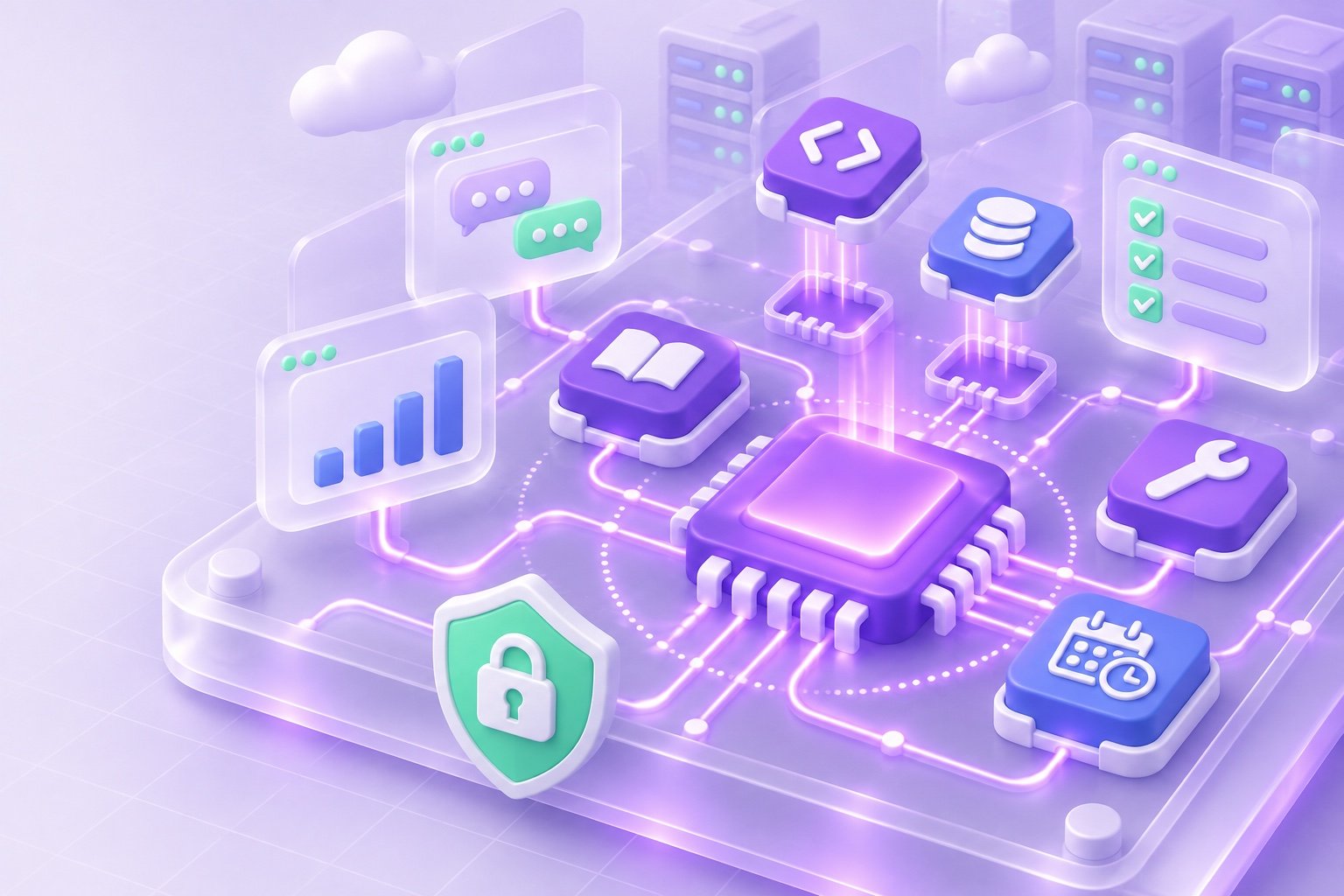
Enterprise AI agent
development and
governance
MaiAgent Build is an enterprise AI agent platform that lets companies build custom AI agents around their own processes, data and systems. The company keeps control of models, permissions and costs.
Developers ship faster
the company stays in control
Ready-made components, faster builds
- Use knowledge bases, Text2SQL, MCP, skills and scheduling right away
- Reach ERP, CRM and databases through MCP and APIs to look up data and carry out tasks
- Switch models without rebuilding the knowledge base
- Deploy one agent through the API, a widget, webhooks and many channels
One place for every agent, model and key
- Use SSO and role permissions to control who can build and who can use
- Usage and audit logs are traceable, and reports can be exported
- AI Gateway brings models, keys, quotas and billing together
- Data is not used to train models. Deploy as SaaS, in the cloud, on premises or hybrid
Why MaiAgent Build
Open APIs and SDKs. Define your own tools, instructions and skill flows, and build agents around your needs.
Knowledge retrieval, Text2SQL, MCP, voice and code execution are already built in. Development takes less time.
AI Gateway reaches many model providers through one endpoint. Set a primary model and fallbacks. Switch models without rebuilding the knowledge base.
Role permissions, available models, audit logs and usage quotas, all controlled by the company.
Deploy as SaaS, in the cloud, on premises or in a hybrid cloud. Your data is not used to train models.
API references, code samples and how-to guides help your developers get started and integrate quickly.
Build your own agents
around your own processes
Each agent is made of the modules it needs. Add a knowledge base to answer from documents. Add a database to look up orders. Add scheduled runs to produce a report every day.
Answers from company documents, with sources.
Product manuals, internal policiesPulls website content on a schedule to keep knowledge current.
Company website, public informationQuery orders, stock and other data with plain questions.
MySQL, SQL Server, Oracle, ExcelBrowses, clicks and extracts content on sites with no API.
Legacy systems, external websitesPick modules for each business need to build agents for different jobs. For example:
Talks with users by voice.
Phone support, voice lookupsCalls company systems to look up, write and notify.
ERP, CRM, emailFollows a standard procedure to finish a task step by step.
Quote process, troubleshooting SOPRuns on a set schedule without waiting for a question.
Daily summaries, regular data checksRuns code to process files, analyze data and make charts.
Word files, slides, data analysisOpen APIs and SDKs
that fit into the apps you already run
Once built, an agent can go live through the API, a website chat window, webhooks and several messaging platforms.
Integrate agents into your own apps and services through the API. Real-time messaging and streaming responses are supported.
- REST
- WebSocket
- SSE
Embed a chat window on your website with a few lines of code. Customize the style and allowed domains.
- JavaScript SDK
- Custom styling
Fires an event when an agent replies or an external system sends a message, and notifies your systems.
- Signature verification
- Custom format
- Genesys Cloud
Deploy the same agent to the messaging platforms you already use.
- LINE
- Messenger
- Teams
- Telegram
MaiAgent Build core features
System Integration
Connect your own ERP, CRM and databases through MCP and APIs. They become the data and tool sources for your custom agents.
Knowledge Base
Put product manuals, internal policies and FAQs in a knowledge base. Agents find the most relevant passages and cite their sources.
Agent Builder
Build agents without code. Combine modules such as knowledge bases, Text2SQL, MCP, skills and scheduling as needed.
AI Gateway
Reach many model providers through one endpoint. Set a primary model and fallbacks. Switch models without rebuilding the knowledge base.

Governance & Usage
Role permissions, available models, audit logs and usage quotas, all controlled by the company.
After an agent goes live
keep tracking performance, usage and quality
Track response time, error rate and concurrent conversations. Get an alert when something goes wrong.
- Time to first token
- End-to-end latency
Token usage broken down by agent, member and organization. View it by hour, day or month.
- Input / output tokens
- Trend analysis
Conversation logs and tool execution logs are kept, so you can trace and analyze issues.
- Conversation logs
- Tool execution logs
Build a test set to score answer quality automatically. Make changes, then run it again.
- Test sets
- Automated evaluation
Connect systems, set up governance
then expand company-wide
- 1Connect systems
Connect ERP, CRM and databases through MCP and APIs. Build your first agent that looks up data and carries out tasks.
- 2Set up governance
Roll out SSO and role permissions, and set available models and usage quotas. AI Gateway manages all models and keys.
- 3Expand company-wide
Every department builds and manages its agents on the same platform. Internal staff and external customer service share the same company knowledge.


FAQ
Do we need to write code to build an agent?
No. In the Build Center you set the instructions, attach knowledge bases, connect tools and pick a model. For deeper customization, there are APIs and webhooks.
Can it connect to our existing ERP, CRM and databases?
Yes. Connect existing systems through MCP, APIs and Text2SQL. Agents can then do more than answer questions. They can look up data and carry out tasks.
Can we change models? Do we have to rebuild the knowledge base?
Yes, and no rebuild is needed. AI Gateway reaches many model providers through one endpoint. Set a primary model and fallbacks, and you can switch at any time.
How do we control who can build and who can use agents?
Set roles and resource permissions based on your org structure. An agent bound to a role is open only to members of that role. Data changes and API calls are all logged and can be exported.
Can we deploy it in our own data center?
Yes. It can be deployed as SaaS, in the cloud, on premises or in a hybrid cloud. Your data is not used to train models.
Can system integrators and software vendors use it?
Yes. System integrators can build and deliver agents for their clients on the same platform, including on-premises deployments. Software vendors can build their own solutions on MaiAgent.
Can we use it together with Work and Serve?
Yes. MaiAgent Work, Serve and Build can be purchased on their own or together. Internal staff and external customer service share the same company knowledge.
Start with one agent
then expand company-wide
Share your details and our team will be in touch.