
Service Monitoring
Every conversation is scored, so you can find wrong and unresolved answers
Once your AI customer service is live, the system scores every conversation. It shows what customers ask most, which questions go unresolved and why. When you find a problem, you can fix the knowledge base on the spot.
- Every conversation scoredAccuracy, relevance and sources
- See what customers askGrouped by topic, with top questions ranked
- Find why issues go unresolvedKnowledge gaps, instructions or tool failures
- Fix the knowledge base on the spotAdd a weak answer to the FAQ in one click
What Service Monitoring can do
Every conversation is scored
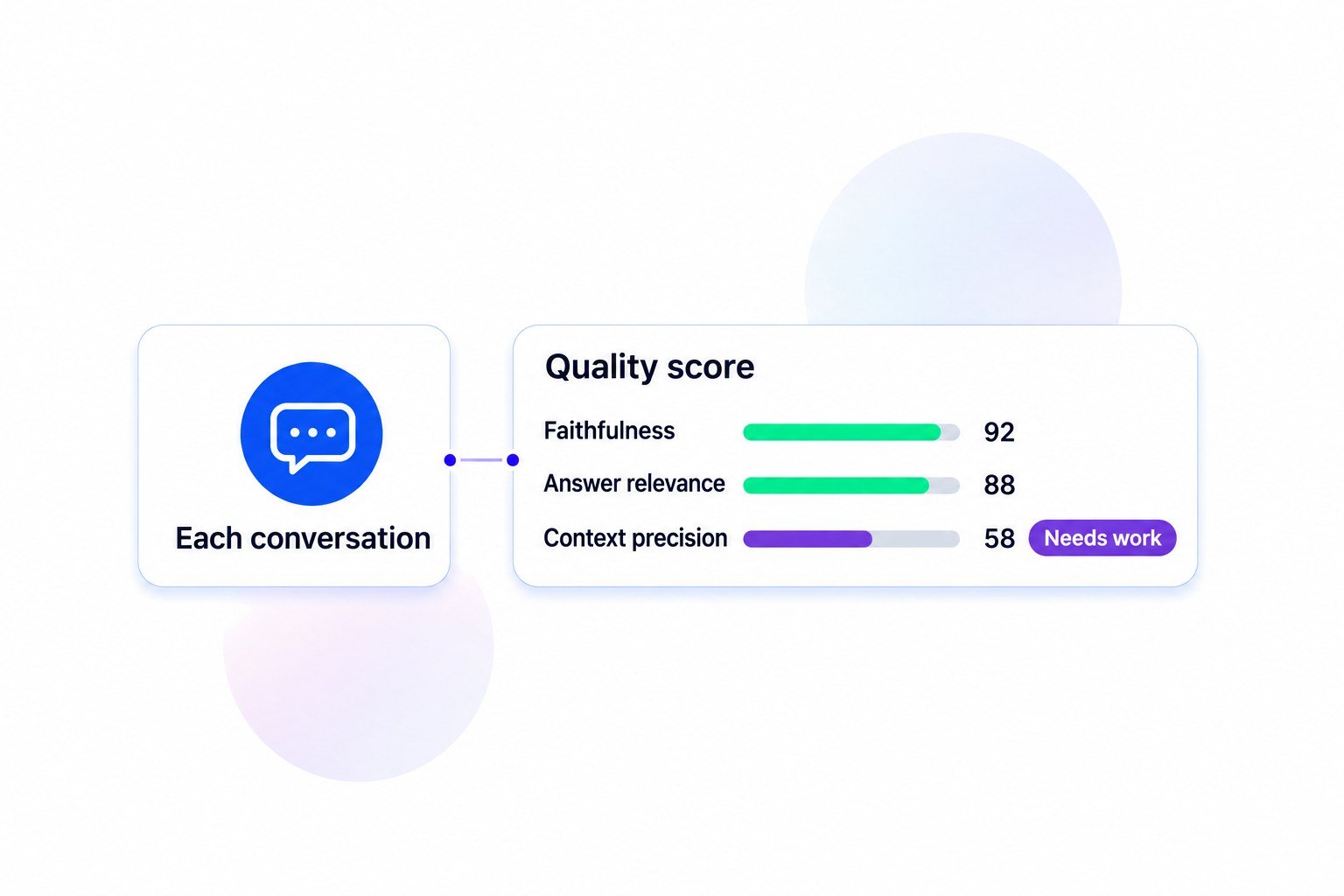
Turn on automatic evaluation, and the system scores each conversation. Is the information correct? Did it answer the question? Did it use the right reference material?
- Three metrics check accuracy and relevance
- Spot low-scoring conversations at a glance
- Compare the input, output and cited material
See what customers are asking
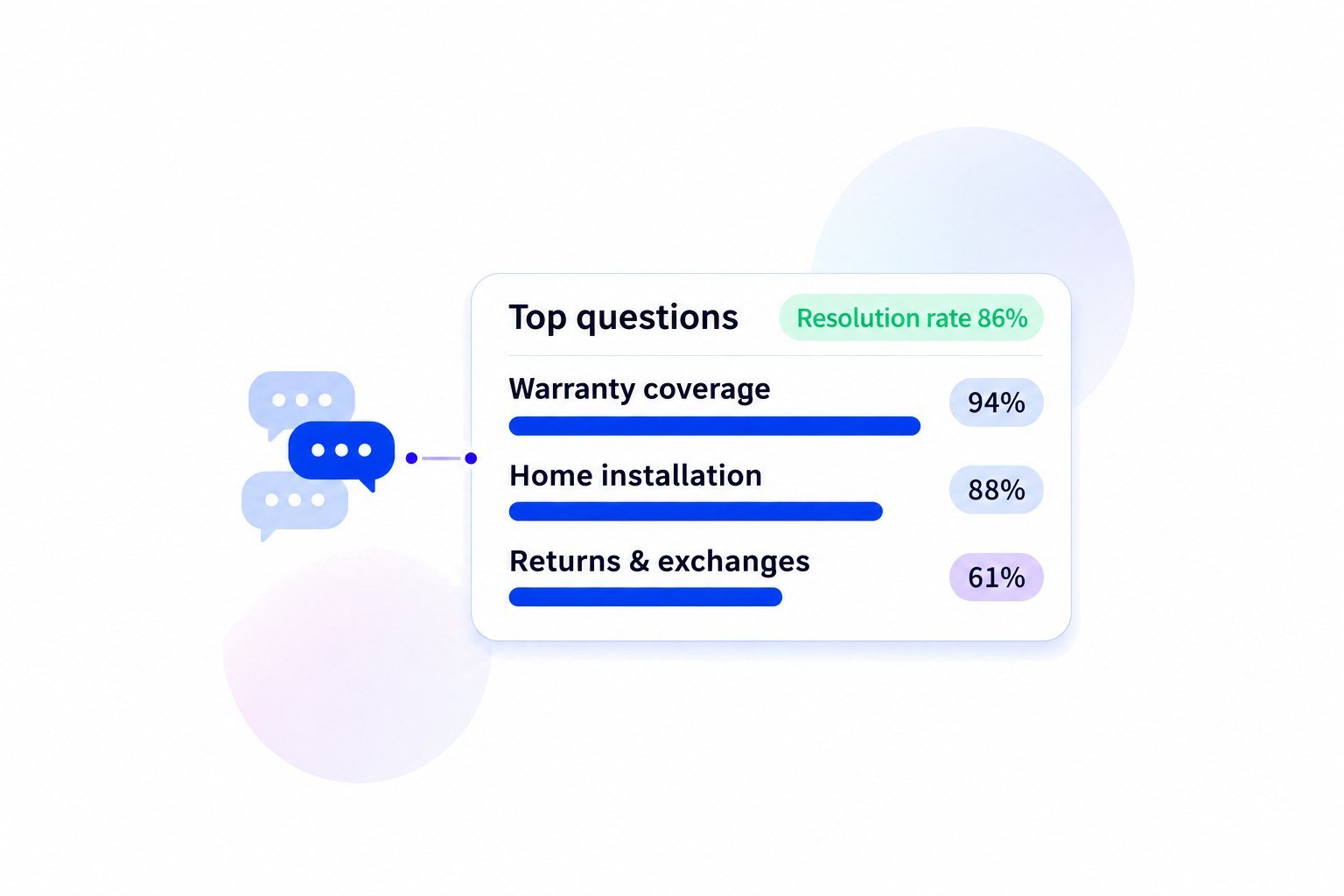
Pick a time period and a channel. The system groups real conversations by topic and ranks the top questions and each topic’s resolution rate.
- Grouped by topic, with top questions ranked
- Compare resolution rates side by side
- Download the report as Excel
Find out why questions go unresolved
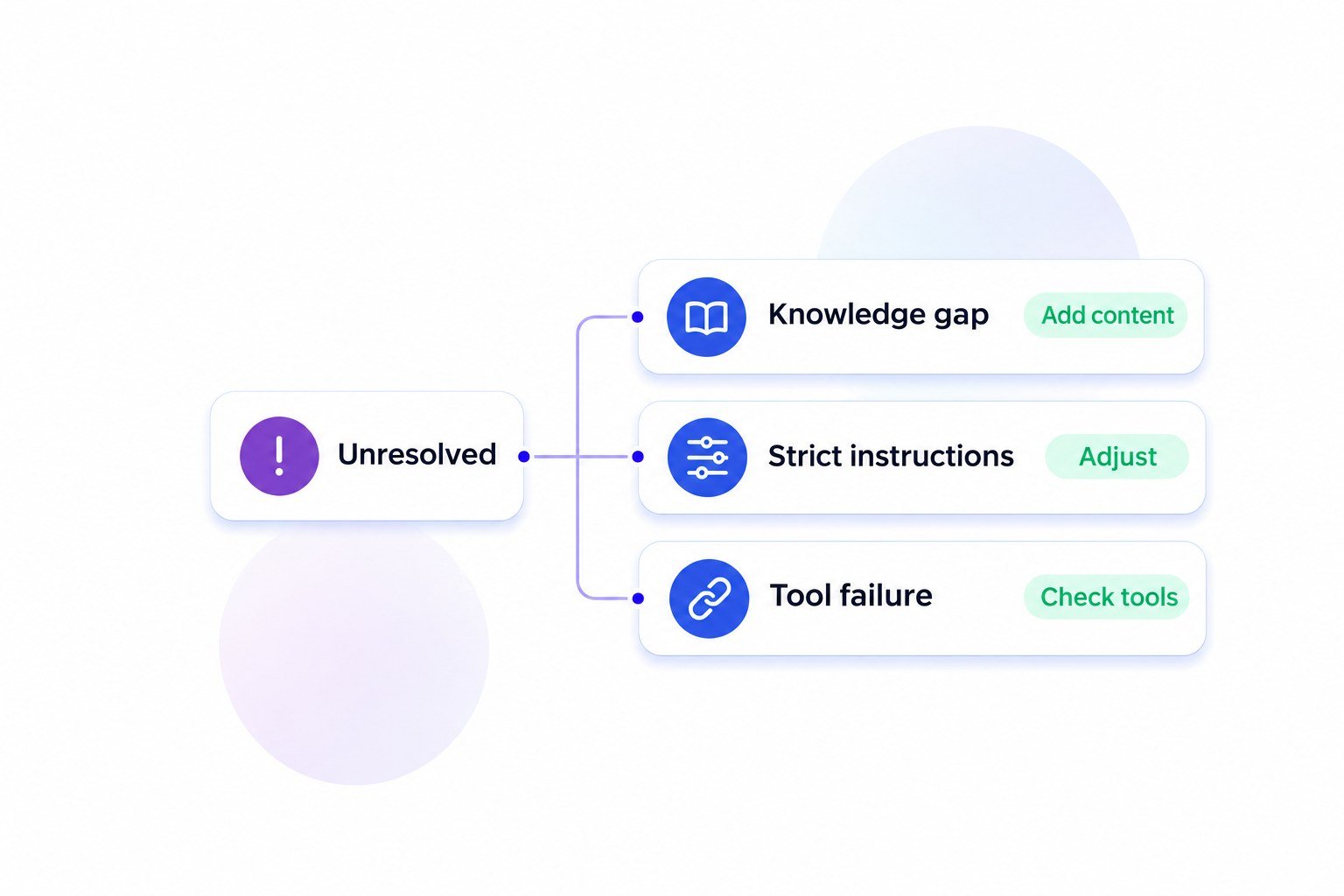
Every unresolved conversation is tagged with a reason, such as missing knowledge, instructions that are too strict, or a tool failure. Each comes with a suggestion to fix it.
- Each conversation tagged with its status and reason
- Shows whether to add content or adjust instructions
- The summary lists what to fix first
Fix weak answers on the spot
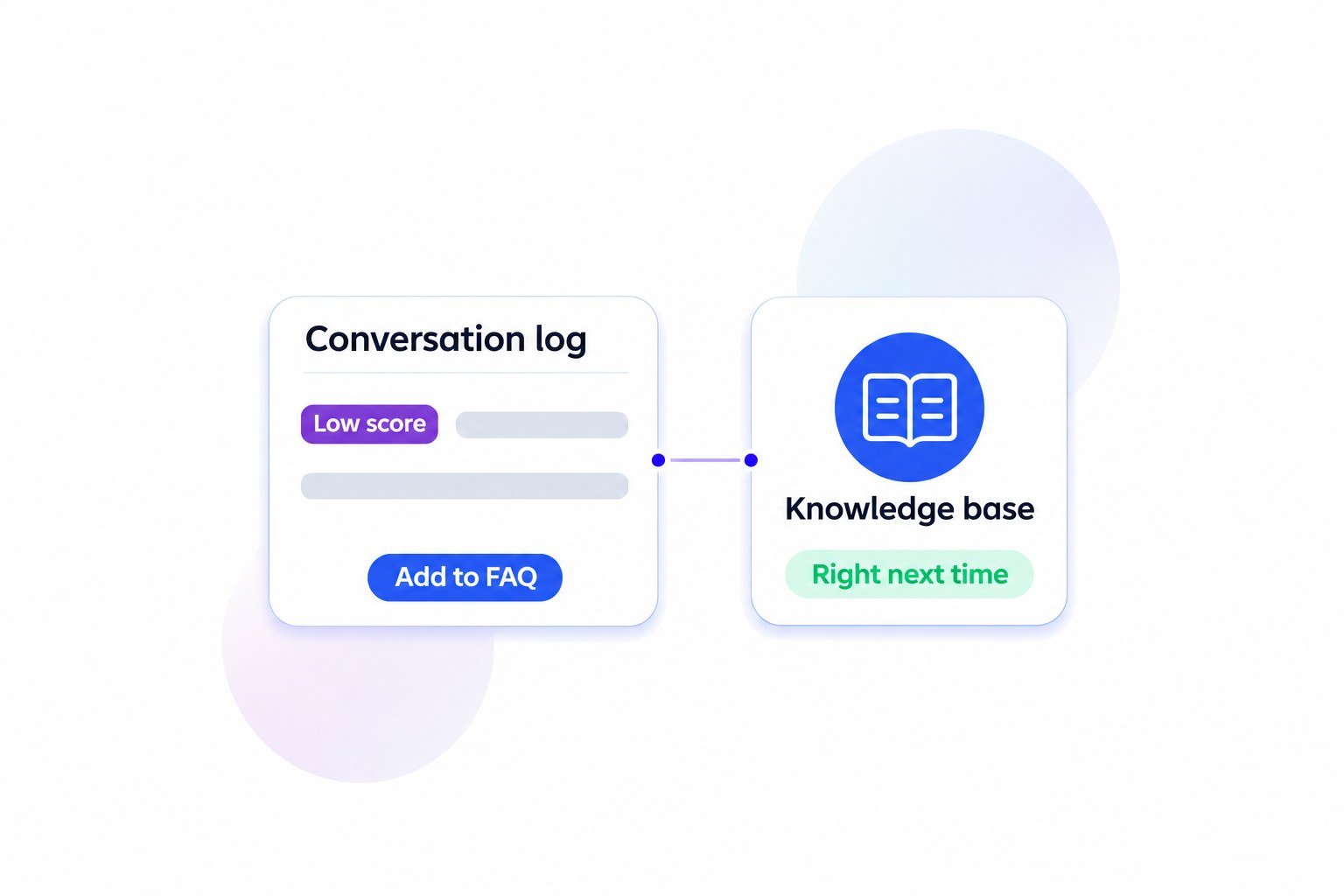
When you see a weak answer in the conversation log, add it to the FAQ and save it to the knowledge base. Next time, the same question gets the right answer.
- The customer’s original wording is filled in
- Bring in the AI reply and edit it
- No need to leave the monitoring page
From testing before launch
to improving after launch
Before launch, check answers with a test set. After launch, review scores and topics, find the reasons, and add what is missing to the knowledge base.
Each conversation is scored on three metrics.
- Faithfulness
- Answer relevance
Real conversations grouped by topic, with top questions ranked.
- Topic groups
- Top questions
See the resolution rate for each topic at a glance.
- Resolved
- Partly resolved
Unresolved conversations are tagged with a reason and a fix.
- Knowledge gaps
- Tool failures
Save weak Q&As straight to the knowledge base.
- One click
- Right next time
Run batch evaluations on a test set and get suggestions to improve.
- Test datasets
- AI insights
MaiAgent Serve core features
 Chat Agent
Website, LINE and social DMs, all handled by one Agent.
Learn more Voice Agent
AI answers your phone line. It understands everyday speech and can look things up and book.
Learn more Service Copilot
AI drafts the reply. A human reviews it before it goes out.
Learn moreService MonitoringEvery conversation is scored, so you can find wrong and unresolved answers.
Learn moreFAQ
Who uses these features?
Service managers, quality teams and service trainers. They review scores and reports, find wrong answers, then fix the knowledge base or role instructions.
Does automatic evaluation use extra quota?
Yes. AI calculates the score for each conversation, which uses your organization’s usage quota. You can turn it on or off as needed.
With a lot of conversations, does the analysis read all of them?
When conversations exceed the sample size you set, the system first groups them by topic, then picks representative ones to analyze. This keeps time and cost under control. You can change the sample size.
Will adding to the FAQ store customer personal data in the knowledge base?
Before saving, remove personal data such as order numbers, names and phone numbers, and rewrite the question in general terms. Then save it to the knowledge base.