
Voice Agent
AI answers calls to your service line. Customers just say what they need to look things up or book
Customers say what they need. No phone menus to press through. The Voice Agent uses the same Agent as the Chat Agent and answers from the same knowledge. Every call is logged with a transcript, so you can look it up and review it.
- Answers 24/7Someone picks up after hours and at peak times
- No phone menusCustomers say what they need and can cut in any time
- Same Agent as chatOne knowledge base, nothing to rebuild
- Every call transcribedLook up and review any call
What the Voice Agent can do
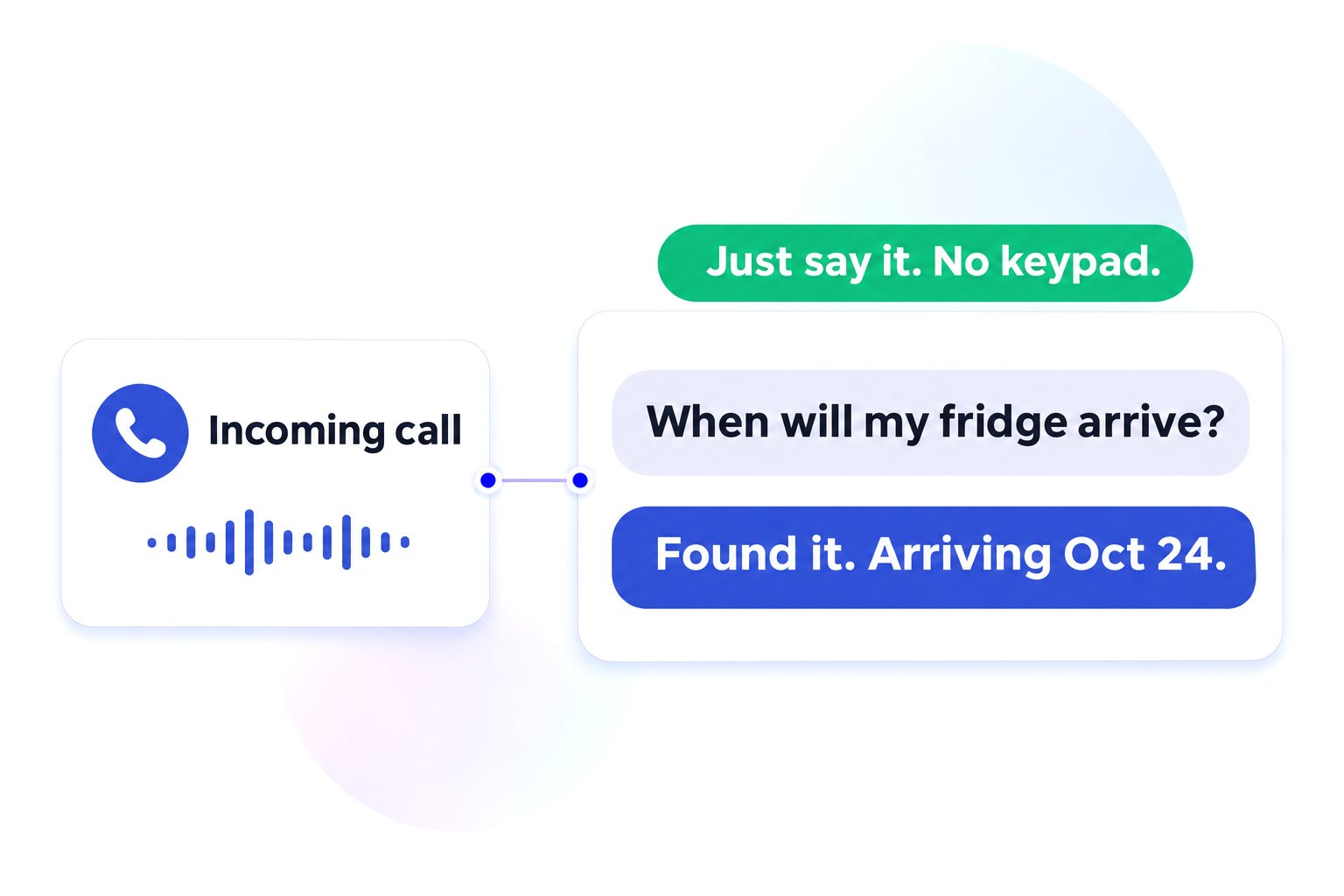
AI answers the call. Customers just say what they need
The Agent answers calls to your service line. Customers do not have to listen to a menu and press keys. They say what they need, and the Agent works out the request and replies.
- Customers can cut in while the Agent is talking
- Set it to answer in short sentences and everyday Taiwanese Mandarin
- Adjust the tone, speed and voice
The same Agent as your Chat Agent
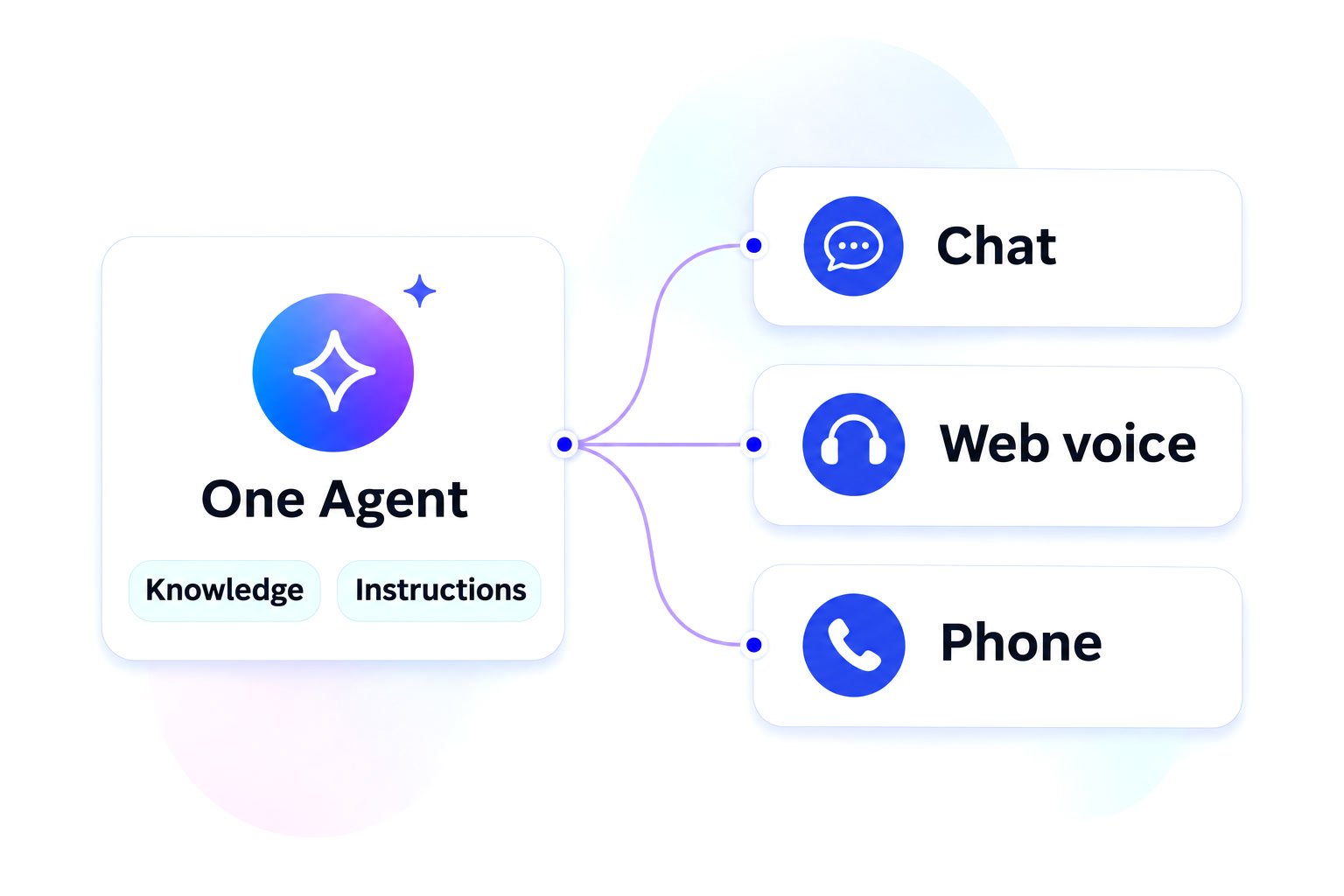
Get your chat answers right first, then add voice. Text, web voice and phone use the same Agent, with the same knowledge and role instructions.
- One Agent can reply to chats and answer calls at the same time
- Customers can also click the headset icon in your web chat to talk by voice
- No separate knowledge base for voice
Look things up and book during the call
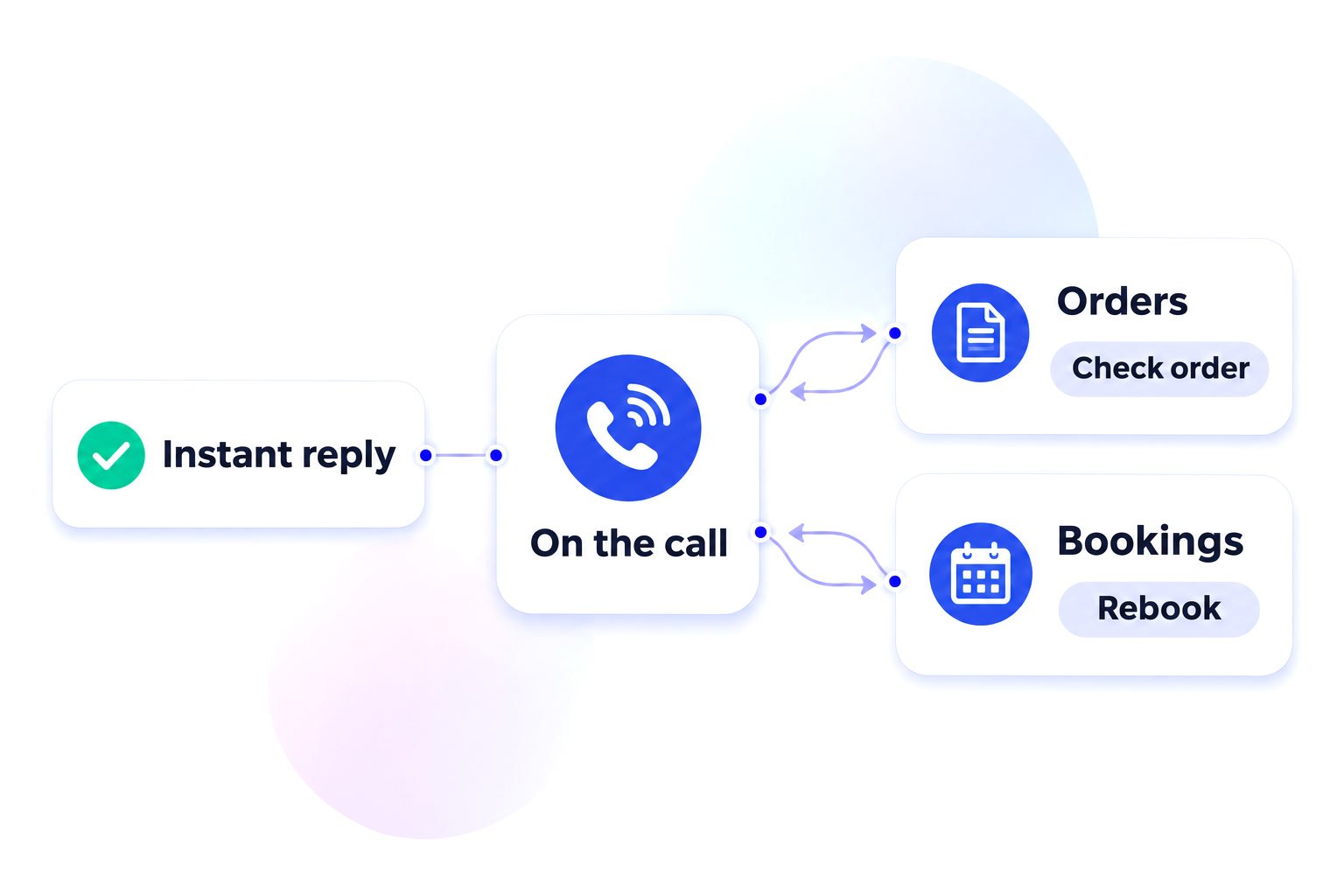
Once connected to your systems, the Agent can look up data and finish the task during the call. For example, check room availability, make a reservation and send a confirmation email.
- Connects to CRM, ERP, ticketing and internal APIs
- Systems already connected to the Chat Agent work for voice too
- Tool activity and the transcript are saved in the same record
Every call is recorded, so QA checks every call, not a sample
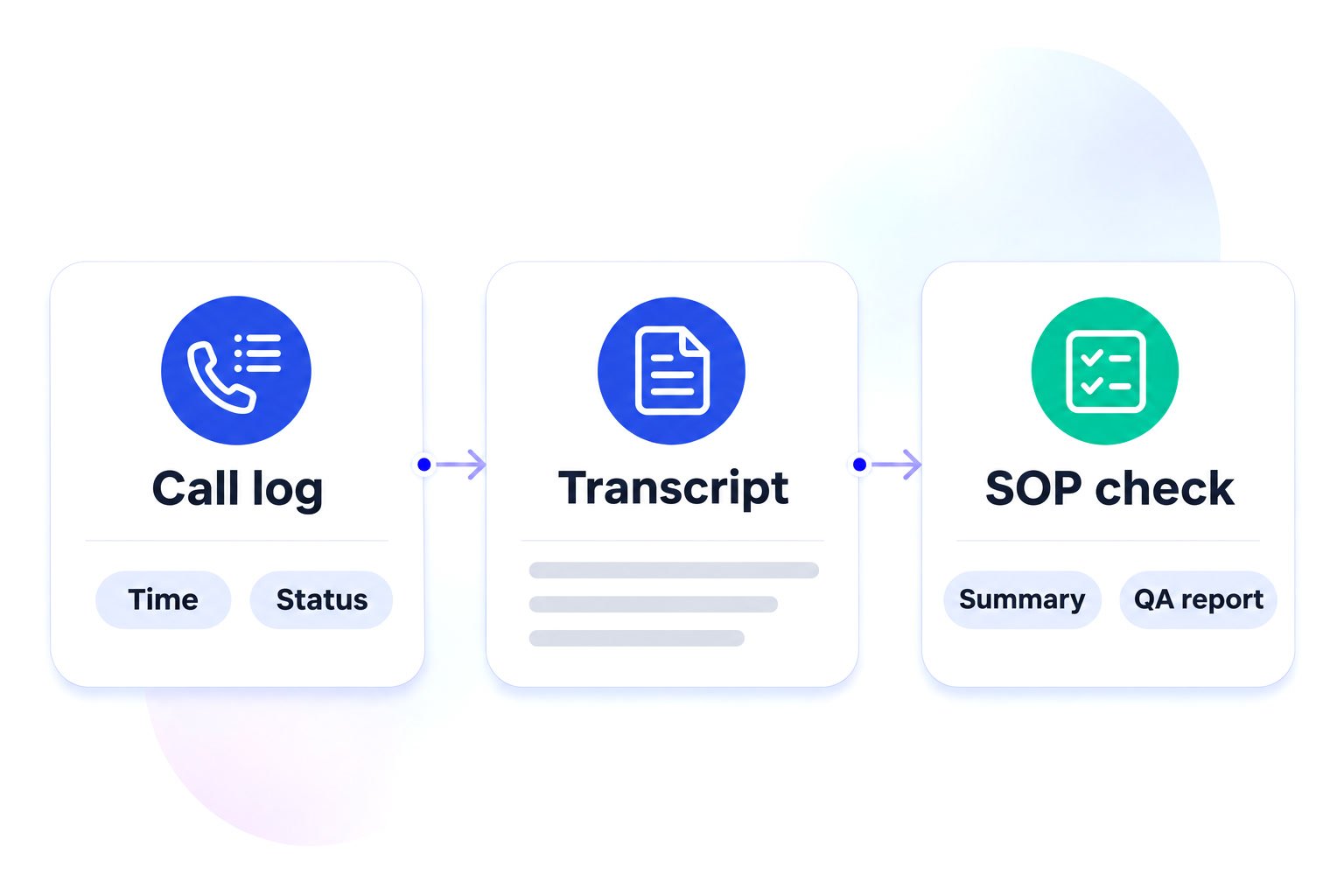
Call records and transcripts stay on the platform. You can also upload service call audio, and AI checks each one against your criteria, item by item.
- Filter call history and open any transcript in one click
- You maintain your own QA criteria
- Each item gets a verdict, with the exact line from the transcript
Reachable by phone and web
and every call is put to use
Customers can call your service line or click the headset on your website to talk. Calls can also be turned into summaries and QA reports.
AI answers calls to your service line.
- Carrier lines
- PBX / CTI
Click the headset icon in the web chat to talk by voice.
- No phone line needed
- Embedded on your site
Customers say what they need, and the Agent sends them to the right service.
- Replaces keypad menus
- Understands the request
Check orders and stock, and change bookings during the call.
- Connected to back office
- Answers on the spot
Turn calls into summaries that pick out the caller, issue and location.
- Key points pulled out
- Easy to look up later
Check each call against your criteria, item by item. Every call, not a sample.
- Every call checked
- Quotes the transcript
MaiAgent Serve core features
 Chat Agent
Website, LINE and social DMs, all handled by one Agent.
Learn moreVoice AgentAI answers your phone line. It understands everyday speech and can look things up and book.
Learn more Service Copilot
AI drafts the reply. A human reviews it before it goes out.
Learn more Service Monitoring
Every conversation is scored, so you can find wrong and unresolved answers.
Learn moreFAQ
Can it connect to our existing service line?
A SIP trunk from your telecom carrier or your own PBX can connect to the call center. Then you assign the number to an Agent. If your setup is different, we will help you work out how to connect it.
Can we use it without a phone line?
Yes. Customers can click the headset icon in your web chat and talk to the Agent by voice.
What if a call needs to go to a human agent?
The call center does not have a setting to transfer calls to a person or an extension yet. If you need to route calls to your existing contact center system, we will look at your system and work out how to connect it.
Can we deploy it in our own data center?
The Voice Agent is available on SaaS. To deploy it in your own cloud environment, the voice components need to be deployed separately. On-premises deployment is not available yet.