Training

Three courses by role: everyone uses, developers build, managers manage

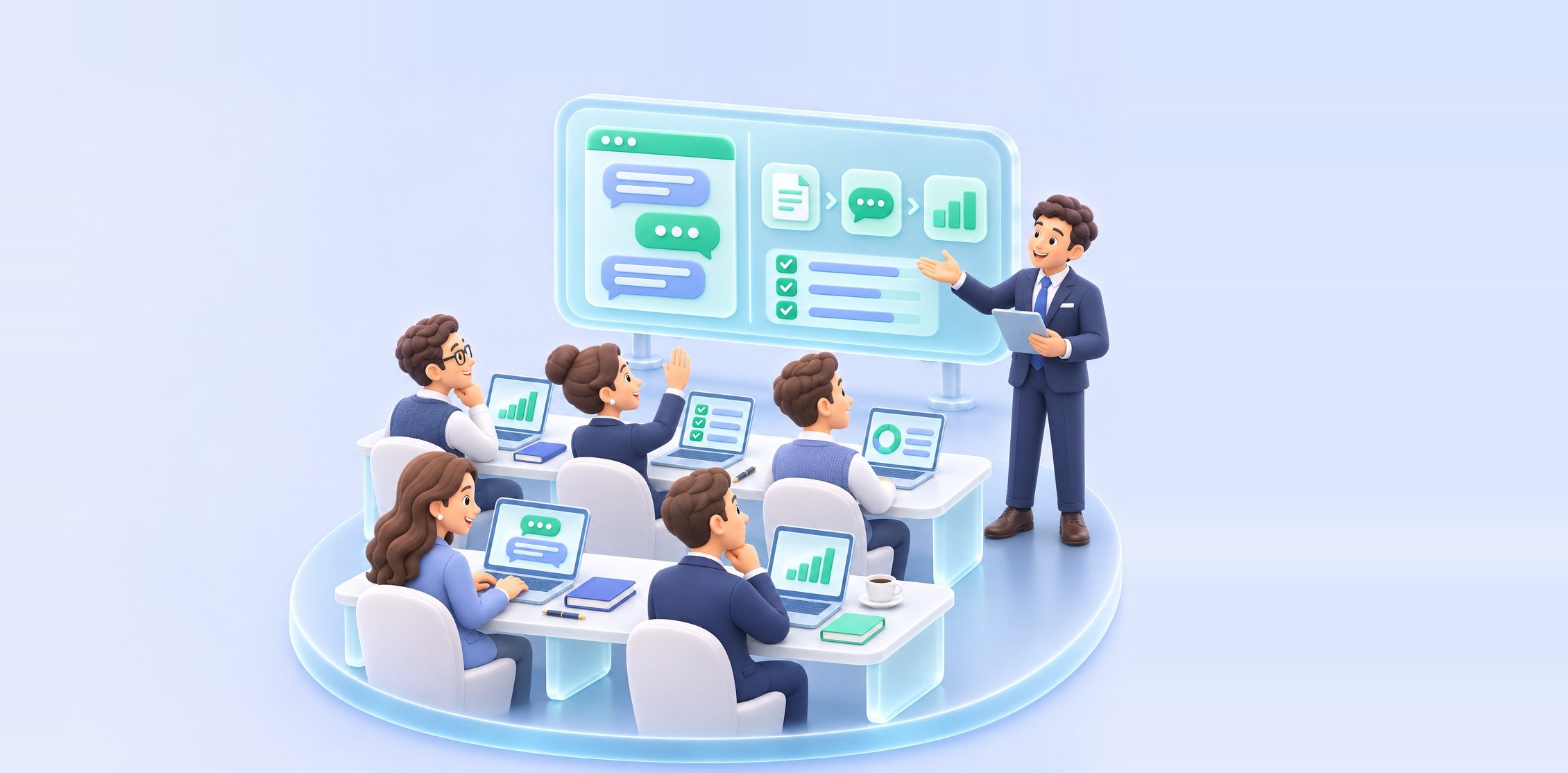
MaiGPT hands-on training is for every role and brings AI into daily work. Developer training goes from a concepts class to a hands-on workshop where people build agents. Admin training covers usage, reports, permissions and costs. Course content and hours can be adjusted for your company.

  • 3 coursesOne each for everyone, developers and managers
  • Hands-onBring a laptop and build an agent in the workshop
  • CustomizableExamples adjusted to your industry and use cases

Three training courses

From AI use for everyone and hands-on building for developers to decision analysis for managers. Pick the course that fits each role.

Everyone

MaiGPT Hands-on Training

Get up to speed, so people in every role can use AI in their daily work.

Audience
People in every role
Goal
Learn fast and use it right away. Lower the barrier to AI adoption and work more efficiently.
  • Switching and choosing LLMs
  • Connecting appsMicrosoft 365, Google Workspace, Notion
  • Web search and deep research
  • Document analysis and multimodal Q&A
  • Using skills and Skill Creator
  • Knowledge Q&A and document generation
  • Flowcharts (Mermaid) and web pages (Canvas)
  • Image and video generation
  • Advanced knowledge base usePDF translation, speech to transcript
  • Meeting notes and live translation
  • Presentation generation
  • Agent Marketplace
Developers

MaiAgent Developer Training

From AI concepts to building agents, so your tech team can build AI applications that work in production.

Audience
Agent and app developers, IT, PMs, R&D, platform owners
Goal
Learn how AI development works and how to integrate systems, so agents go live faster.
Concepts class

Theory and Q&A. For people who want to understand how AI works, where its limits are, and how enterprise AI transformation works.

  • What agentic means
  • Agentic RAG
  • Agentic Text2SQL
  • Function Calling and MCP
  • Skills
Hands-on workshop

Pick 4 topics from the list of optional workshop topics and build them.

  • Build an assistant
  • Prompt tuning
  • Knowledge base vectorization
  • Web crawling
  • Tools, APIs, MCP and skills
  • Scheduling
  • Chat channel design
  • Agent UI
  • Advanced assistant settings
Optional workshop topics
  • AI KM
  • AI customer service
  • Voice customer service
  • GenBI
  • Agent Ops
  • API integration
  • Task agents
  • Scheduled agents
  • Database agents
  • OCR agents
Managers

Admin Training

See how the platform is used, and manage your organization and costs.

Audience
Managers and admins
Goal
See how the platform is used, manage the organization and analyze costs.
  • Usage managementAPI usage, token consumption, member usage
  • Reportsconversation stats, assistant usage reports
  • Organization managementmembers, roles and permissions, SSO settings
  • Cost managementbilling, credit details, cost estimates
Custom training plansCourse content and schedule can be adjusted to your needs. We plan training around your industry, team size and AI goals.
Ask about custom courses

Our trainers

Experts from many fields teach practical AI skills, and we keep partnering with more industry experts.

Partner with us as a trainer
Eric SunLibreOffice Certification Committee MemberSmartNew Info & Comm Co., Ltd.

Standing Director of SLAT Taiwan and LibreOffice Certification Committee Member at The Document Foundation. He has taught at the Civil Service Development Institute of the Executive Yuan, the Taipei City Government training center, NCCU and more. He focuses on promoting and applying open-source software.

  • LibreOffice
  • ODF documents
  • Inkscape design
Shirong SuOffice Software Integration ConsultantCorporate trainer

A computer trainer for more than 25 years, focused on digitizing office documents and putting them to use quickly. He has taught at the Office of the President, government ministries, universities and well-known companies. He turns complex features into practical steps that are easy to learn.

  • Office integration
  • ODF adoption and conversion
  • Power BI visualization
Kevin Wun8n Workflow Automation ExpertFounder, Lazy Office

Holds n8n Level 1 and Level 2 certifications and focuses on teaching and applying n8n. Through government subsidy programs, he helps small and medium businesses adopt automated workflows at low cost.

  • n8n automation
  • Process improvement
  • AI tools
Yuankui LeeKnowledge Hamster Editor, AI Automation ExpertOrdilux Technology

Lead writer of the Knowledge Hamster newsletter (8,000+ subscribers) and former SEO Deputy Manager at Awoo Technology. He uses AI and automation to help companies run more efficiently, and explains new technology in plain, practical terms.

  • LLM applications
  • Automation
  • SEO and digital marketing

FAQ

Can the courses be customized?

Yes. We adjust course content and examples to your industry, use cases and team background, so people can use what they learn at work right after class.

Do you offer online courses?

Yes. The MaiGPT hands-on course and the admin course are available online or in person. For the developer hands-on workshop, we recommend in-person classes, with each participant bringing a laptop.

What background do employees need?

The MaiGPT hands-on course needs no technical background and suits everyone. For developer training, basic computer skills are recommended, since the workshop builds a real AI assistant. The admin course is for managers and also needs no technical background.

What is the minimum class size for in-house training?

We recommend 10 or more people per class. The maximum depends on the course: up to 50 for the MaiGPT hands-on course, and 20–30 for the developer workshop.

Build your team's AI skills with the right training plan

Contact us
LINE